More Inspirations for Project-1_A-201

Posted by: Ping

http://qvectors.net http://www.computerarts.co.uk/gallery http://www.flickr.com/groups/pysanky/pool Let’s take a look how to wrap a graphic around a 3D object in Adobe Illustrator: http://tv.adobe.com/watch/layers-tv/episode-94/
Orient an object to path in Flash CS6

Posted by: Ping

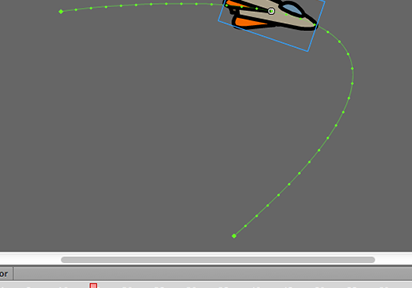
Click to view the Motion Path Differ from applying the motion guide , the Adobe Flash CS6 provides a more easier way to orient an object to a path. • Open the “motion-path.fla” for the exercise. Let’s orient the rocket to a curved path. 1. Drag the symbol onto the stage 2. Select the frame, […]

A-341 Demo:
Movie Clip Symbol for Motion Blur

Posted by: Ping

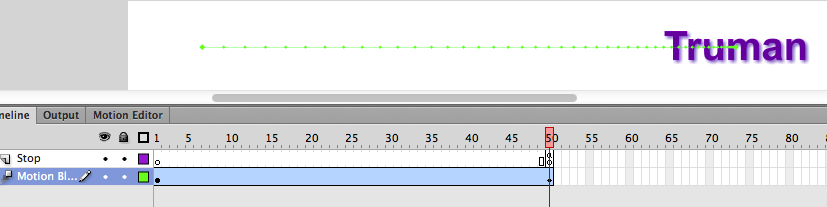
Movie Clip Symbol for Motion Blur This exercise will introduce the movie clip symbol. They can have filters like drop shadow, blurs, glows and bevels. 1. File > New 2. Select the Flash file in ActionScript 2.0 and click OK. 3. Save the file as “motion-blur.fla” 4. Select the Type tool, then select Static Text […]

Note to VisCom Students
and Print Monitors

Posted by: Ping

Make sure to prepare your printing files with PDF format as color printing to the Large Format Inkjet Printers is only done with PDF documents. If printing to sheet-fed printers, make sure the paper turned in to the Print Monitor matches the size of page set up in the PDF document. Check-list to students and […]

Notification to all print monitors

Posted by: Ping

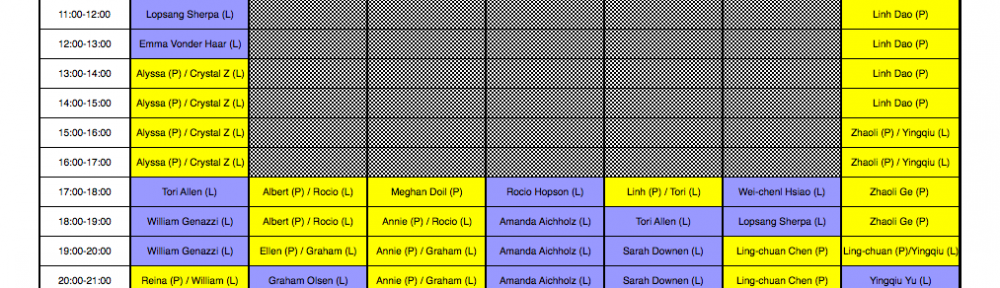
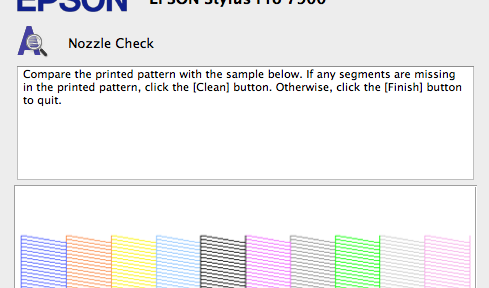
As part of you are new to our team and we equip one new printer, EPSON 7900, for the lab, I would like to provide a training session for all of print monitors in this Wednesday afternoon (Sept. 5th), say 5:30 p.m. The training will be lasting around 15 minutes. Please reserve the time and […]