A-201 EX: Creating Clipping Masks
& Duplicating a Shape
Using the Rotate Tool

Posted by: Ping

When working with images or other digital illustrations, Adobe Illustrator provides a quick way to create a mask. Select the image and aboved text, then Cmd 7. Exercise-1: Create an illustration based clipping mask in class. Please check your textbook at page 315 if you have further question after the classroom tutorial. You may use this […]
More Inspirations for Project-1_A-201

Posted by: Ping

http://qvectors.net http://www.computerarts.co.uk/gallery http://www.flickr.com/groups/pysanky/pool Let’s take a look how to wrap a graphic around a 3D object in Adobe Illustrator: http://tv.adobe.com/watch/layers-tv/episode-94/

Orient an object to path in Flash CS6

Posted by: Ping

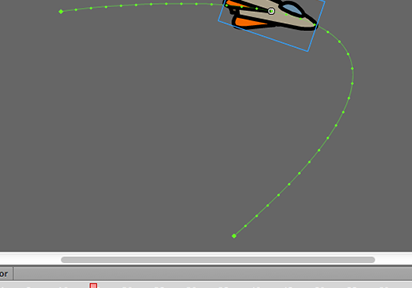
Click to view the Motion Path Differ from applying the motion guide , the Adobe Flash CS6 provides a more easier way to orient an object to a path. • Open the “motion-path.fla” for the exercise. Let’s orient the rocket to a curved path. 1. Drag the symbol onto the stage 2. Select the frame, […]

A-341 Demo:
Movie Clip Symbol for Motion Blur

Posted by: Ping

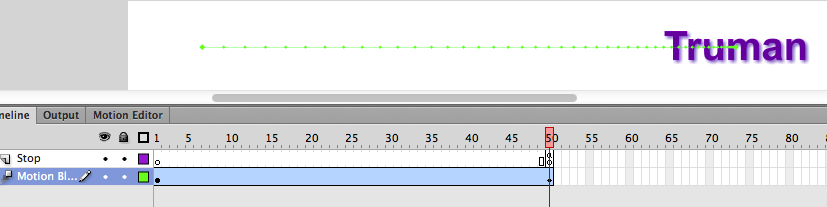
Movie Clip Symbol for Motion Blur This exercise will introduce the movie clip symbol. They can have filters like drop shadow, blurs, glows and bevels. 1. File > New 2. Select the Flash file in ActionScript 2.0 and click OK. 3. Save the file as “motion-blur.fla” 4. Select the Type tool, then select Static Text […]